Trading Assistant Dingue / TradingView
Less chart confusion.
Clearer trading.
Too many settings. Too much chart watching.
Let TAD make that easier.
Advanced package · No credit card · Manual activation within 48 hours
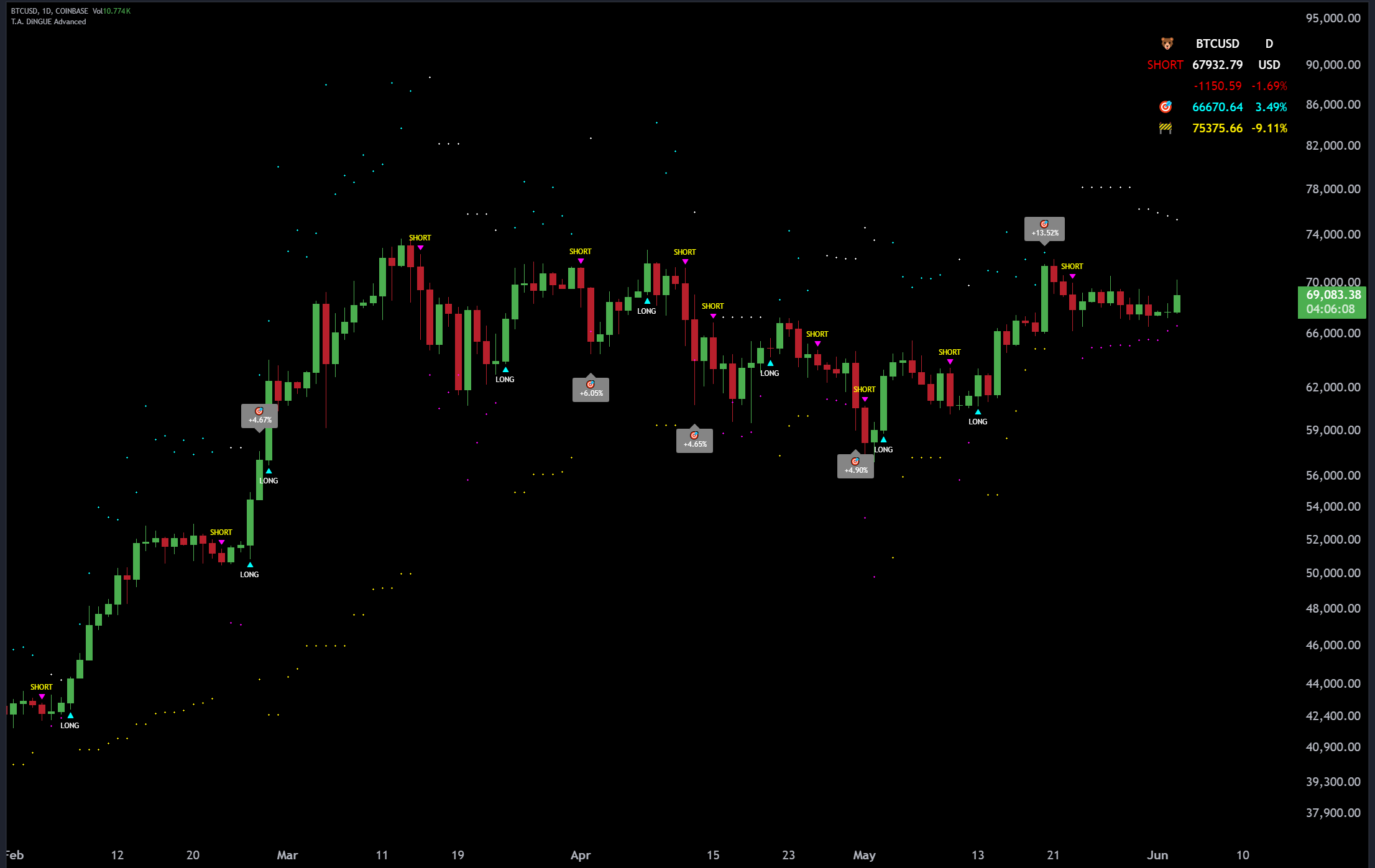 ▶See TAD in actionPlay the original demo
Less fiddling. More seeing what matters.
Still changing settings
for every chart?
Let TAD do that part. Auto Strategy adjusts the starting settings when you change charts or timeframes.
Add it. Keep the defaults. See your signals.
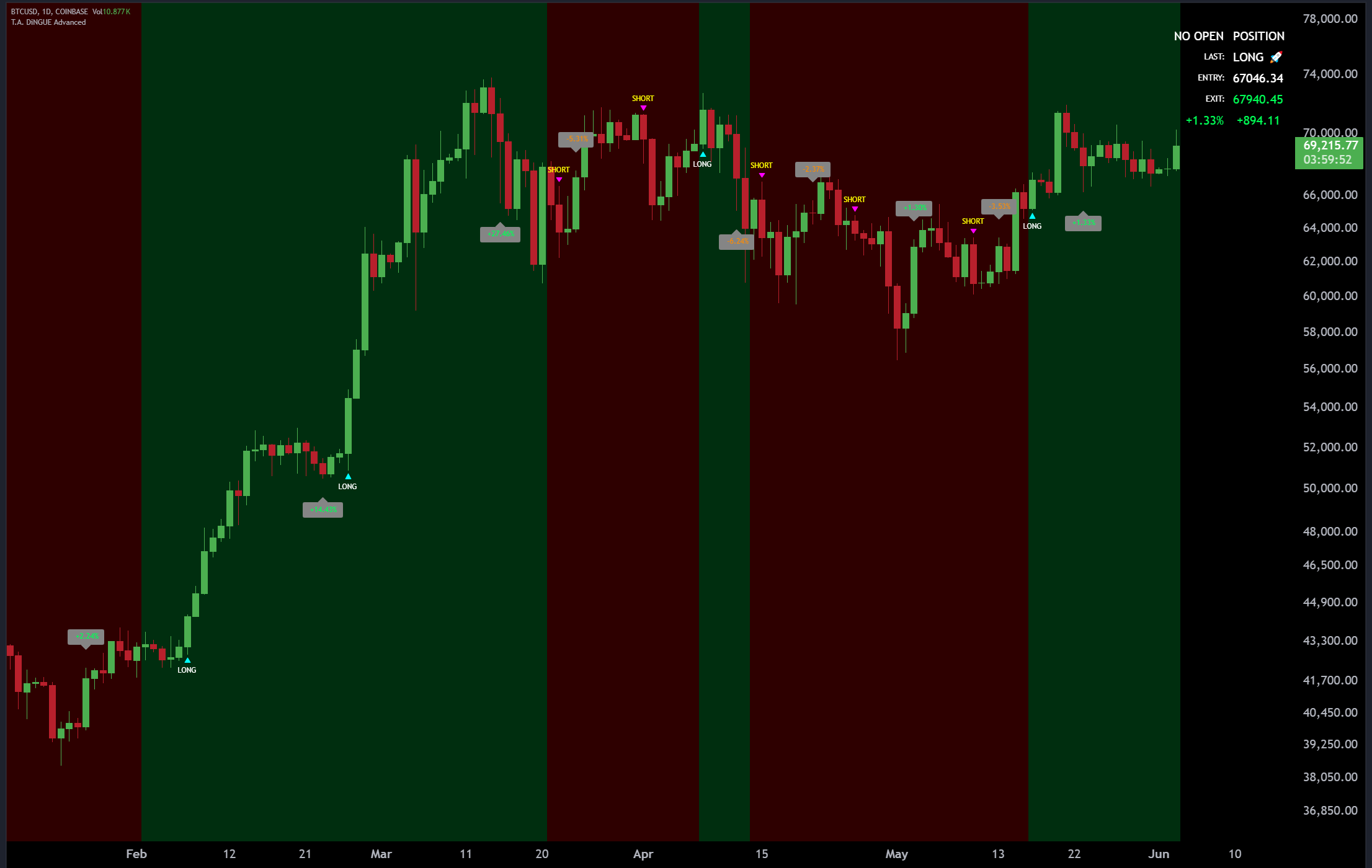
Less second-guessing
A signal is good.
The levels beside it? Even better.
Long or short. Targets and stops. See them together, right where you trade.
Actual historical product display. Tap the chart to enlarge. · TradingView
You have a life away from the screen.
Stop babysitting
your charts.
Set your alerts, then step away. Let TradingView notify you when your selected TAD condition appears.
Show me how alerts work →Included with Advanced and Business. TradingView alert limits apply.
Curious? Put it on your chart.
Give it a go.
On us.
Get Advanced free for 10 days. No card to enter. No course to finish. Just TAD on the charts you already follow.
Try it free for 10 daysWe manually unlock the indicator on your TradingView account within 48 hours after receiving your username.
Make this your market stop.
Check the charts.
Catch up on the news.
Free charts, market news and the ticker above. Come back whenever you want a look at what’s moving.
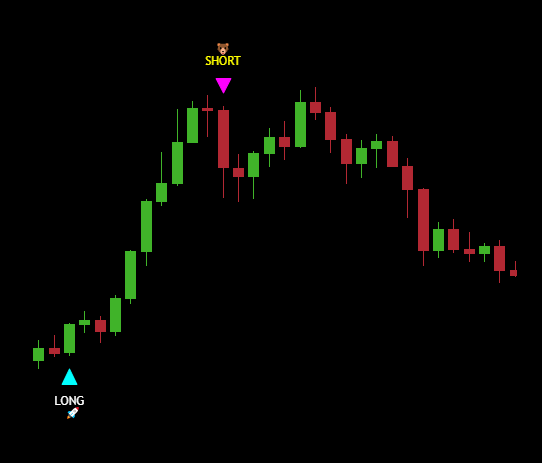
TAD supports your decisions; it does not place orders or guarantee returns. Automatic settings and historical backtesting are different capabilities. Features depend on your package. Compare plans