Explore TAD / what it solves
What’s making your charts
harder than they need to be?
The settings? The signals? The time spent watching? Here’s what TAD takes off your plate—and what you can add when you need it.
Auto Strategy / every package
New chart.
Same settings headache?
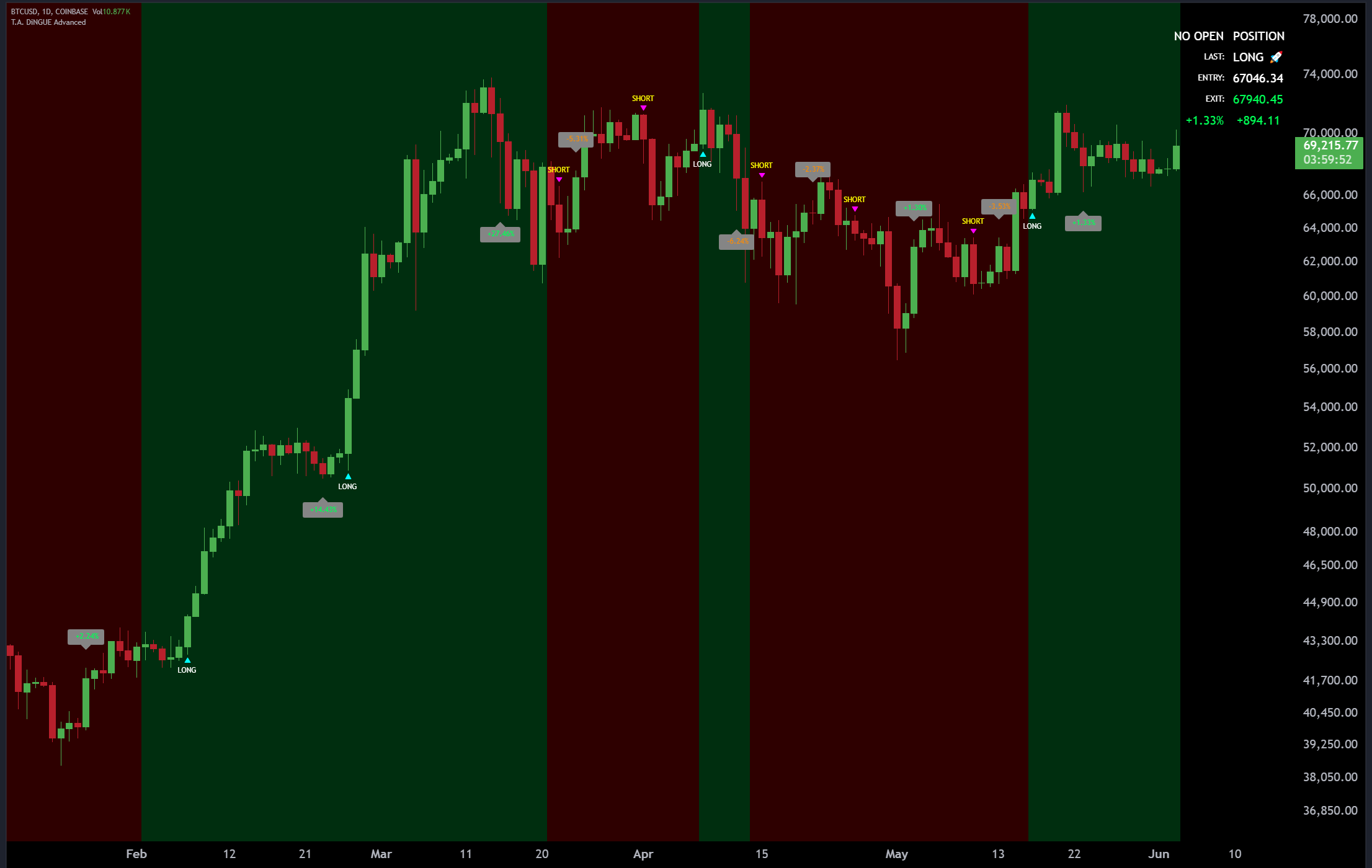
Keep Auto Strategy on. TAD adapts its preset lengths and settings as you change symbols and timeframes. You can start with the defaults instead of rebuilding your setup.
- You get
- A ready-to-use starting configuration for most charts and timeframes.
- Your next step
- Add TAD to your TradingView chart. Leave Auto Strategy on and look at the display.
Signals, targets & stops / every package
A signal appears.
Where are the other levels?
TAD brings long/short signals, targets and stops onto the same chart. See the direction and the reference levels together, instead of piecing them together across indicators.
Understand the chart markers →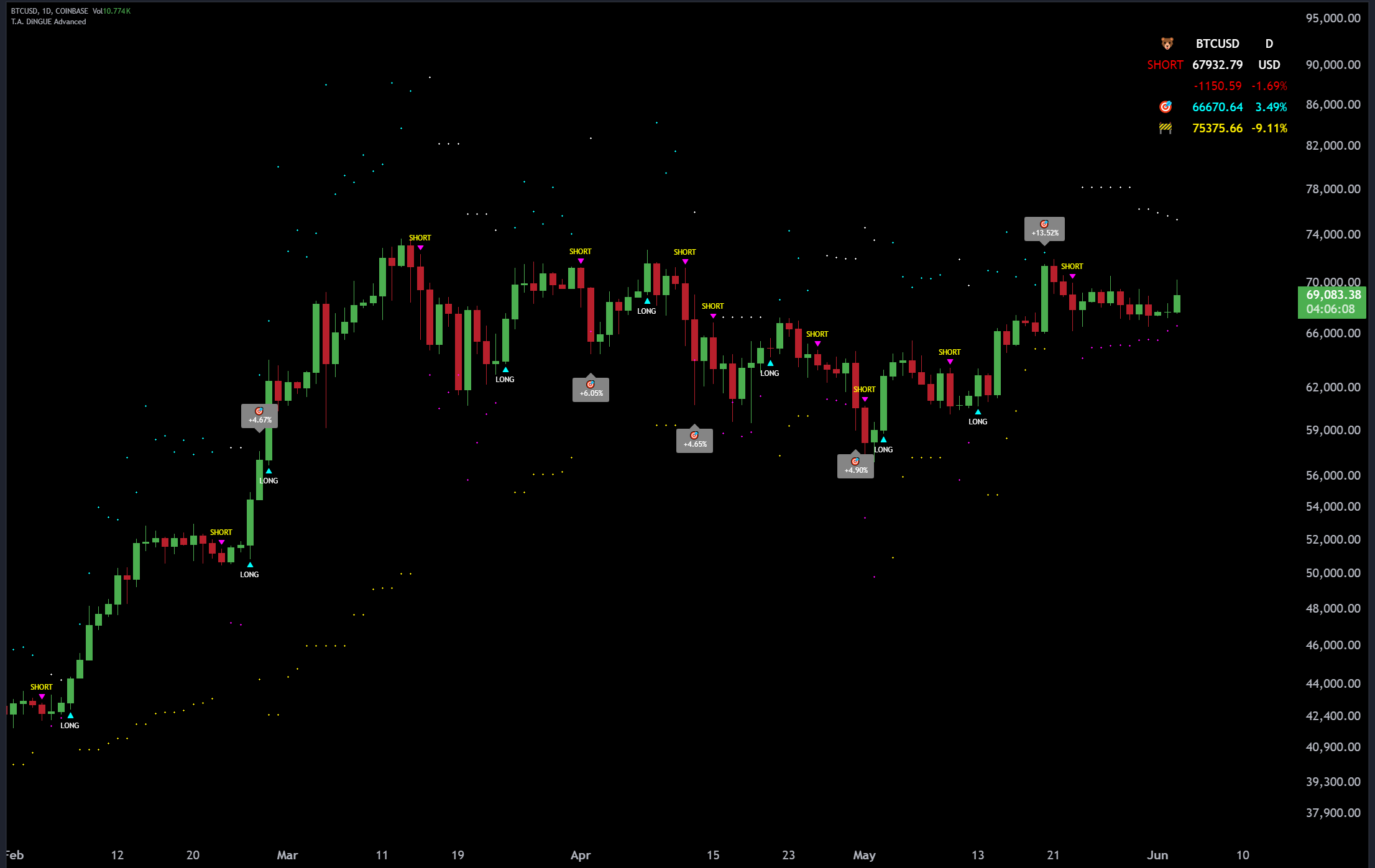
Alerts & filters / Advanced + Business
Watching all day?
Let your chart call you.
Create a TradingView alert for the TAD condition you want to follow. You can step away and receive a notification when it appears. Advanced signal filters also give you more control over the signals displayed.
Watch the alert setup →TradingView alert limits apply separately. TAD does not place trades for you.
Alerts
Less screen watching. Get notified about your selected condition.
Advanced filters
More say in which signals appear. Explore the extra controls when you’re ready.
Historical testing / Business
Want to test an idea
before putting it to work?
Business adds historical strategy backtesting and position-sizing tools. Try settings against past data and inspect the strategy report—including losses and drawdown.
This is a separate capability from Auto Strategy. You don’t need it to start using TAD’s indicator signals.
What can a backtest tell me? →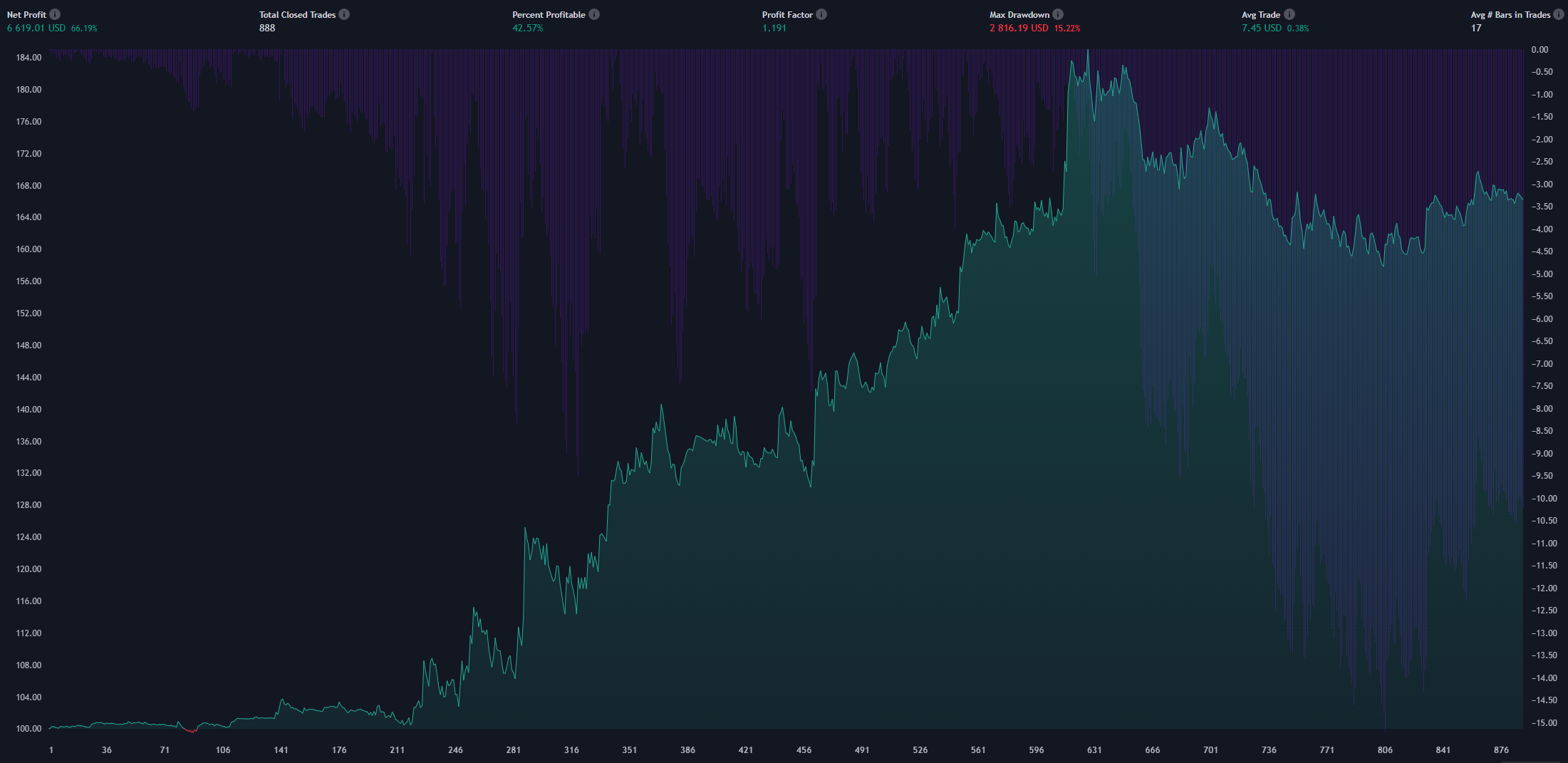
Put it all together
See the features
on a real chart.
Watch the original presentation, or jump straight to the plans to see what fits.
Compare current plans →▶See TAD in actionPlay the original demoReady to put it on your chart?
Advanced is free for 10 days. No credit card. Manual activation within 48 hours after we receive your username.